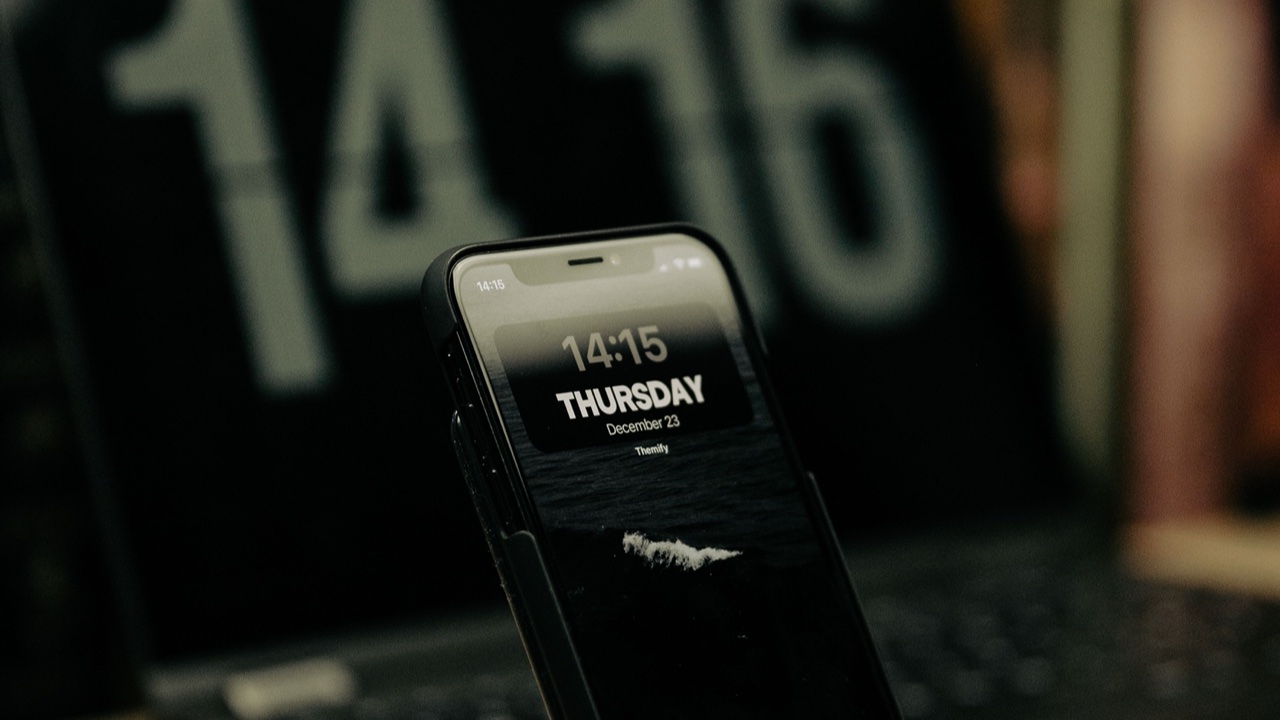
I’ve owned a lot of phone stands over the years. Most of them have one thing in common: they spend more time in a drawer than on my desk. The friction of setting a phone in and taking it out — the little clip to release, the angle adjustment that shifts when you don’t want it to — means the stand stops getting used within a few weeks, replaced by the phone just lying flat next to the keyboard.
A MagSafe desk stand is a different object. I’ve been using one for several months now, and the reason it’s stayed on the desk instead of migrating to storage is specific: the magnetic attachment changes the behavior entirely.
What the Magnetic Connection Actually Changes
With a conventional stand, you’re lowering the phone into a cradle or slot. You have to aim. The phone needs to sit in a specific orientation. Taking it out usually requires two hands or at least some fumbling. None of this is terrible, but all of it is enough friction that you stop bothering — you just leave the phone flat.
A MagSafe stand holds the phone via the magnetic array built into every iPhone 12 and later. You bring the phone near the stand and it snaps into place with an alignment that’s precise enough to feel satisfying. Removing it is a single lateral motion — no grip adjustment, no clip, no two-handed operation. The phone comes off and goes into use in the same gesture.
That sounds like a small difference written down. In practice it changes whether you actually use the stand, and whether the phone ends up displayed at a useful angle on your desk or lying face-up catching light glare.
Video Calls
This is where a desk stand earns the most obvious return on investment. Holding your phone for a video call for thirty minutes is tiring. Propping it on books or against something on your desk gives you an angle that probably isn’t right and shifts whenever you adjust. A proper stand holds the phone at eye level if you position it correctly, keeps it there for the duration of the call, and frees your hands entirely.
The MagSafe version handles portrait and landscape differently from a traditional stand. Because the connection is magnetic rather than mechanical, the phone can be repositioned between portrait for a standard call and landscape for watching something — and the transition is fast enough that you actually do it instead of leaving the phone in whatever orientation it landed in.
During calls, the stand keeps the phone charging while in use, which matters for long calls where the camera and screen together drain the battery faster than people expect. The wireless charging through the MagSafe connection means the cable stays out of frame.
Commute and Travel Use
This is the scenario I didn’t anticipate finding useful until I tried it. At a coffee shop or a hotel desk, a portable MagSafe stand creates an instant workstation that’s meaningfully better than a phone flat on a table. The stand folds flat for a bag, and once it’s out, the phone goes on in a second.
For navigation while driving, the car mount version of this setup — separate from a desk stand but using the same MagSafe technology — is genuinely better than anything involving a clamp, suction cup, or vent mount. The phone goes on the mount with one hand, comes off the same way, and the magnetic hold is strong enough that it doesn’t shift over bumps. I’m noting this because the desk stand and car mount experience are connected: once you’re used to the one-motion attach and detach from a desk stand, having to fumble with a traditional car mount starts to feel noticeably worse.
The Charging Behavior
A MagSafe stand charges at up to 15W when the connection is properly aligned, which it is consistently with a well-designed stand. This is meaningfully faster than standard Qi wireless charging for iPhone, and fast enough that a phone placed on the stand during a meeting or a call comes off with more battery than it started with rather than just slower loss.
The charging-while-displayed behavior matters practically: a phone that’s charging in portrait on the stand can show notifications, be checked quickly, and go back on the stand without breaking the charge connection. A phone plugged in via cable does the same thing less gracefully — the cable limits how far you can tilt and lift it.
What to Look for in a MagSafe Desk Stand
The things that differentiate a good MagSafe desk stand from a cheap one aren’t always obvious from product photos. Weight and base stability matter: a stand that rocks when you snap the phone in or out isn’t really usable as a desk stand. The base needs to be heavy enough that the magnetic snap doesn’t shift the stand position.
Angle adjustability is the other variable. A fixed-angle stand is workable for video calls but frustrating for anything else. Adjustable angle lets you optimize for desk height and eye level for calls, and flatten slightly for easier viewing of horizontal content. The adjustment mechanism should hold position without requiring constant readjustment — a ratcheting joint or a well-tensioned hinge is preferable to friction that loosens over time.
The peakzooc magsafe phone stand covers these factors with a base weight that keeps the stand stationary through repeated attach and detach cycles, and an angle that positions the phone at a useful viewing height for desk use without needing to be repositioned for different tasks.
The Honest Assessment
A MagSafe desk stand is not a necessary accessory. A phone can lie flat on a desk indefinitely without consequence. But it’s one of the accessories that genuinely earns its footprint once you start using it — it changes the micro-behavior of how you interact with your phone during work, calls, and desk time in a way that accumulates into something noticeably better than the alternative.
The magnetic attach-and-detach is the part that makes this different from any previous phone stand I’ve owned. It’s the reason this one is still on my desk.